I’m currently reverse-engineering and keeping some progress for a Home Assistant / HACS integration that can show a Tracefy bike location on the map.

Goal
The goal is to build a HACS-compatible Home Assistant integration for Tracefy bike tracking.
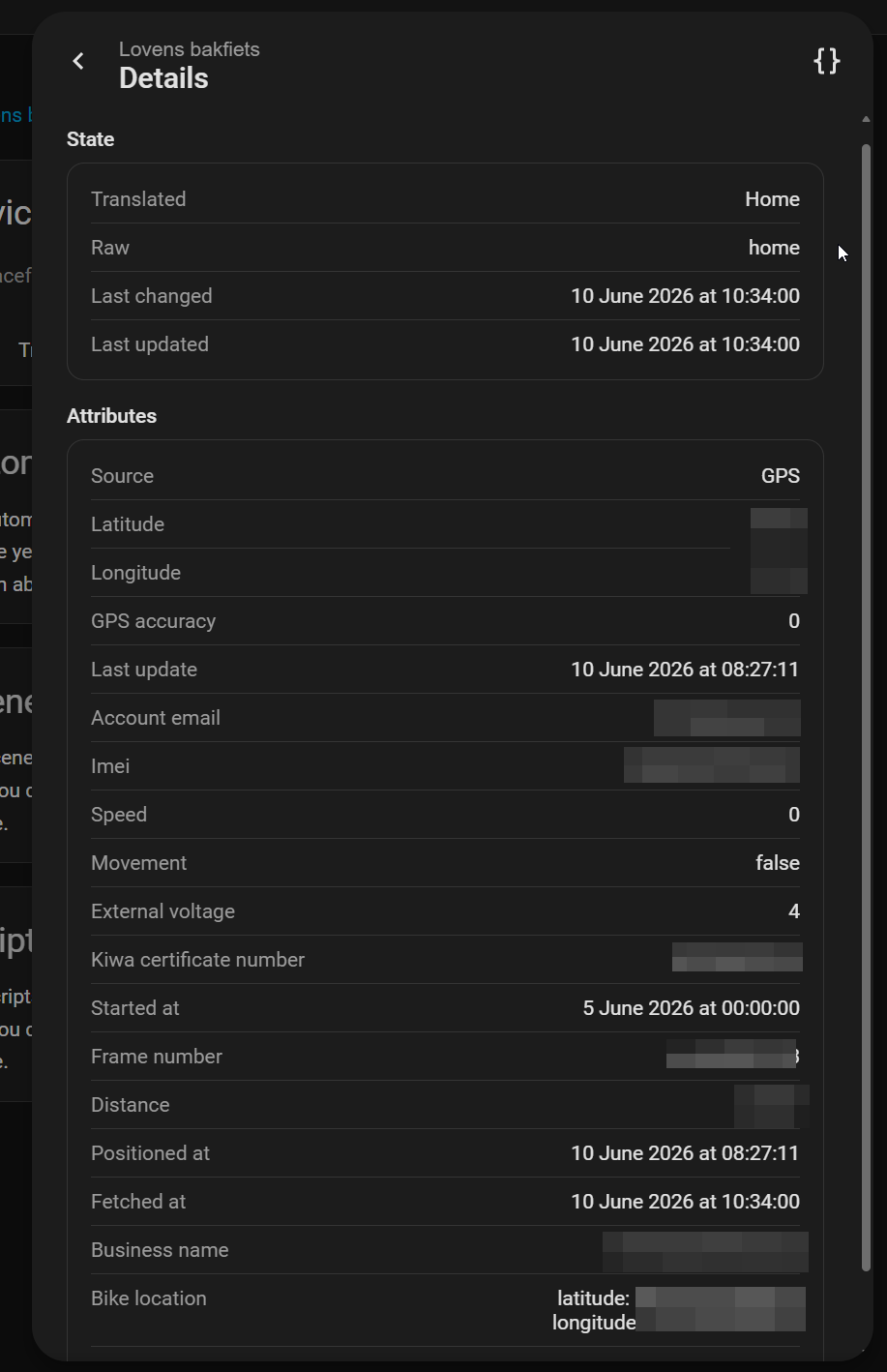
The first integration scaffold exposes a device_tracker entity with these properties:
- last update
- account email
- bike location
The first version used manually configured coordinates. The next step was to discover how the official Tracefy app gets bike data so the integration can fetch the bike location automatically.
Update: Juli 2026
A week after publishing this blog, I’ve received an email from Dominic. A dutch tracefy user as well.
He also created a Home Assistant HACS integration for Tracefy -> Dominic-070/tracefy: Home Assistant Integration for tracefy GPS Tracker
The biggest difference is the amount of sensors, Dominics version has every sensor already available:
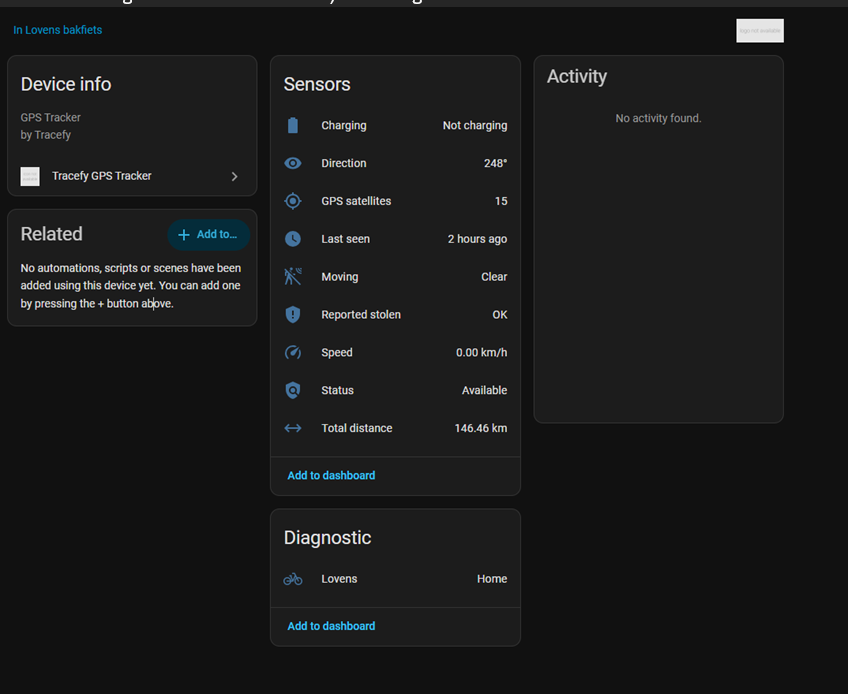
TLDR; The result
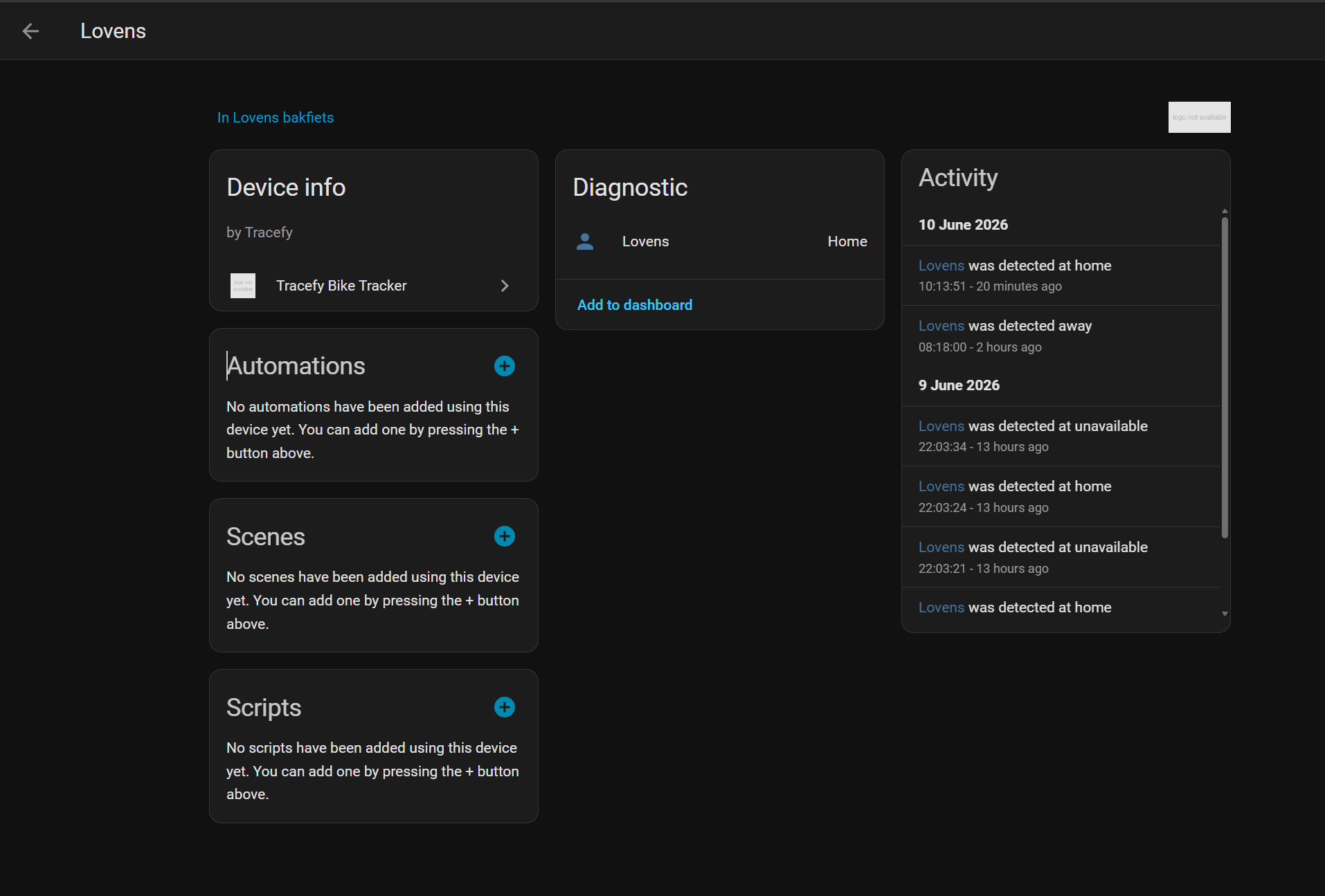
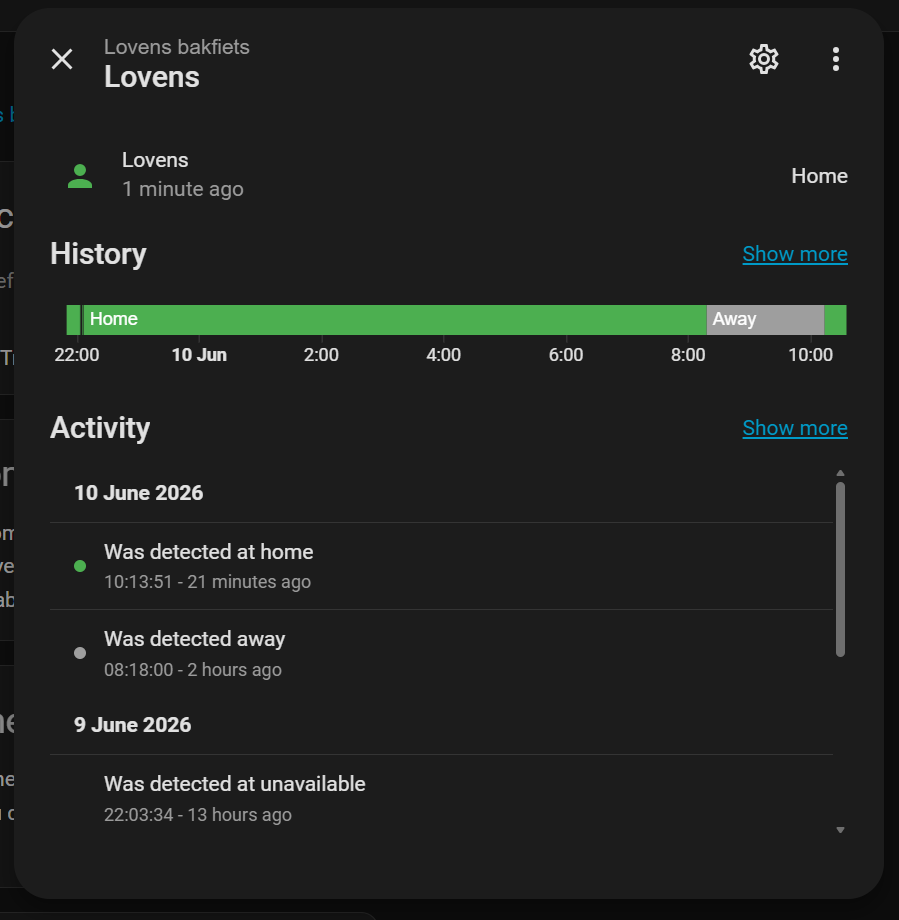
In home assistant I have the Tracefy Bike Tracker HACS plugin active, it gets every interval the details of my bike. The bike details are shown unde rdetails of my Lovens bike. Short: GREAT SUCCESS!
Starting Point
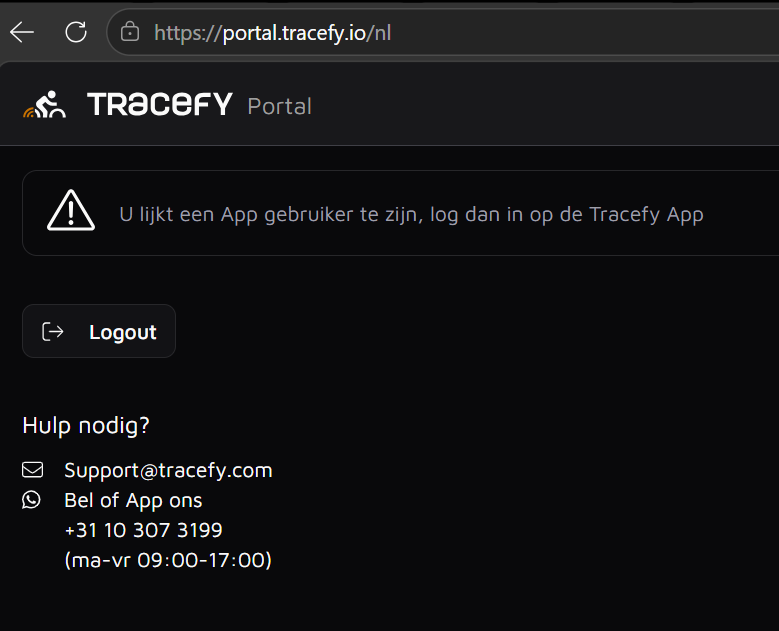
The Tracefy data was not available from a simple public endpoint. The account appeared to work only through the mobile app, while the desktop portal redirected to Auth0 and later showed that this account should use the app.
The portal URL that worked for login was:
https://portal.tracefy.io/nl
The portal itself did not expose the app-user bike data through the guessed portal API endpoints.
APK / XAPK Inspection
- The Android app was downloaded from apkpure as an XAPK and extracted locally
- The main APK was extracted and decompiled with JADX
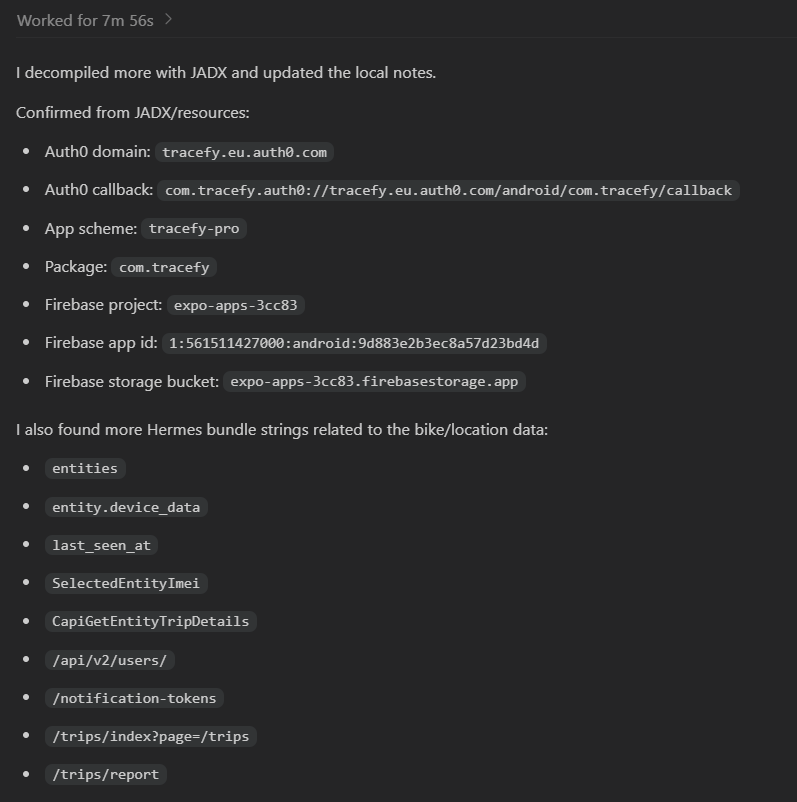
JADX produced useful Android resource and manifest information, including:
- package:
com.tracefy - app scheme:
tracefy-pro - Auth0 domain:
tracefy.eu.auth0.com - Android Auth0 callback:
com.tracefy.auth0://tracefy.eu.auth0.com/android/com.tracefy/callback
Firebase settings were present too, but the app data path turned out to be Auth0 plus a Tracefy app API, not direct Firebase calls.
Hermes Bytecode
The app is a React Native / Expo app using Hermes bytecode. The main bundle was:
assets/index.android.bundle
The Hermes bundle header identified bytecode version 96. The bundle was decompiled with hermes-dec, producing some fancy files
%TEMP%/tracefy_hermes_dec/index.hasm
%TEMP%/tracefy_hermes_dec/index.decompiled.js
The generated files were large, but searchable. Searching the decompiled output revealed the important app-specific pieces.
Auth0 Findings
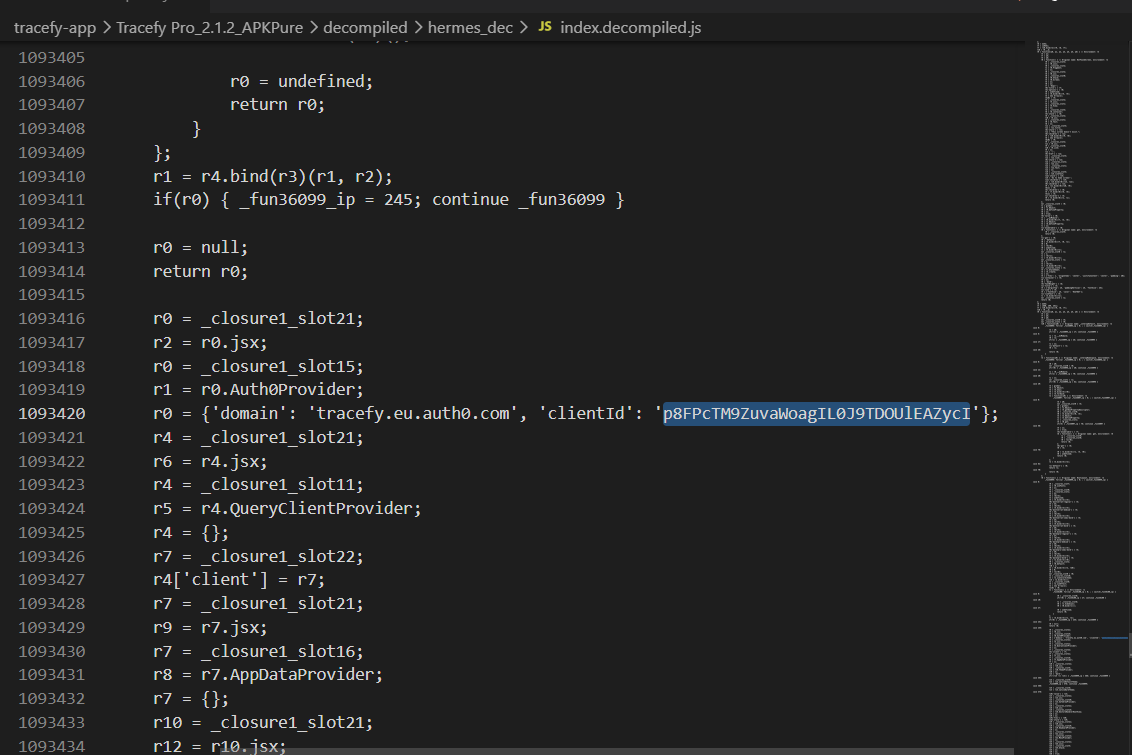
The mobile app uses Auth0 with:
Domain:   tracefy.eu.auth0.com
Client:   p8FPcTM9ZuvaWoagIL0J9TDOUlEAZycI
Audience: https://app.pro.tracefy.io
Redirect: com.tracefy.auth0://tracefy.eu.auth0.com/android/com.tracefy/callback
Scope:    openid profile email offline_access
The earlier desktop portal login used a different client ID. That was useful for understanding the portal, but the app API needs the mobile app client and app audience.
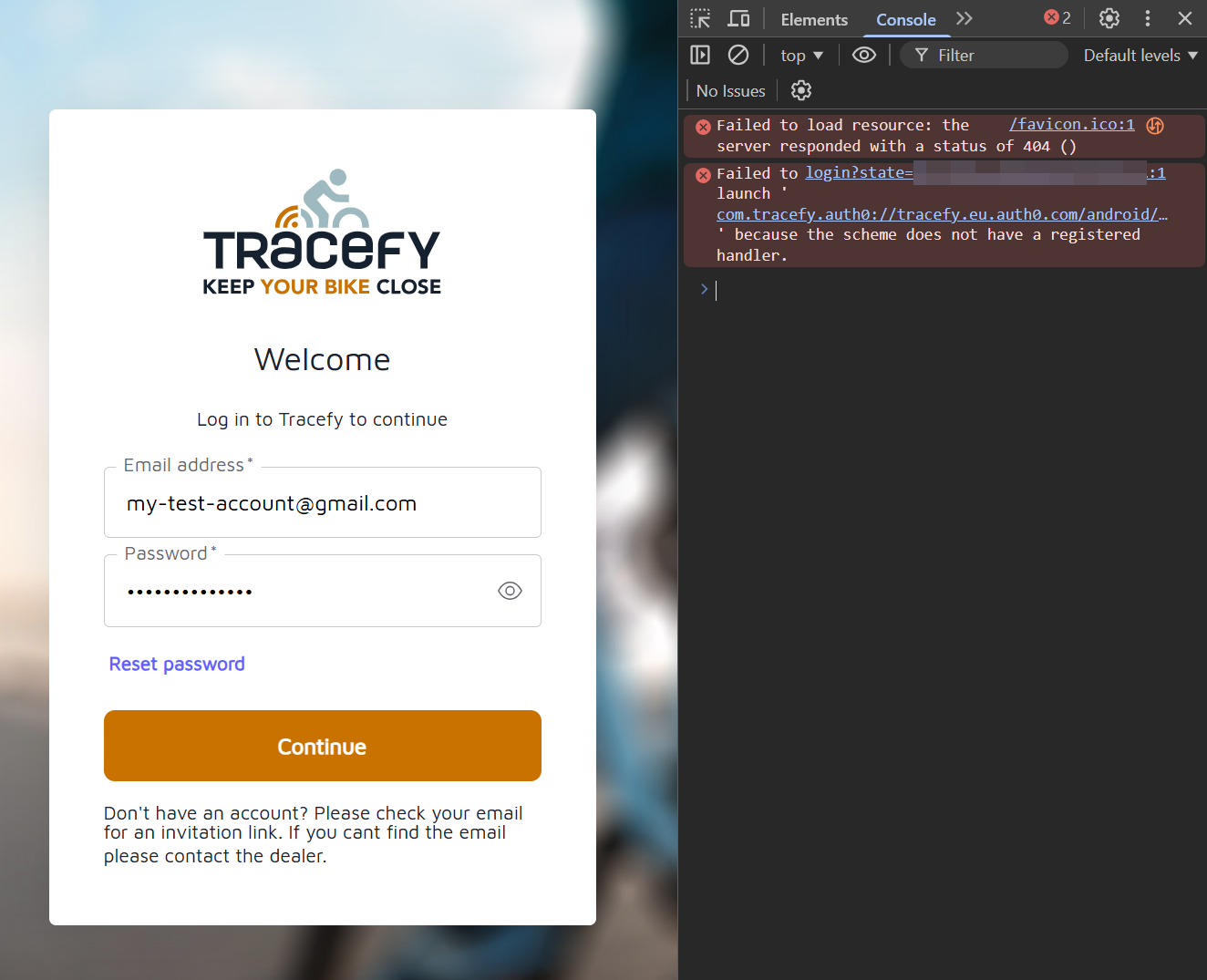
A Playwright-based PKCE helper was created to perform the Auth0 authorization-code flow. On Windows, the final custom-scheme redirect cannot be opened by the OS, but that is still a successful login. The helper captures or accepts the callback URL and exchanges the code for an app-scoped token.
The token response is stored only in gitignored local files.
API Findings
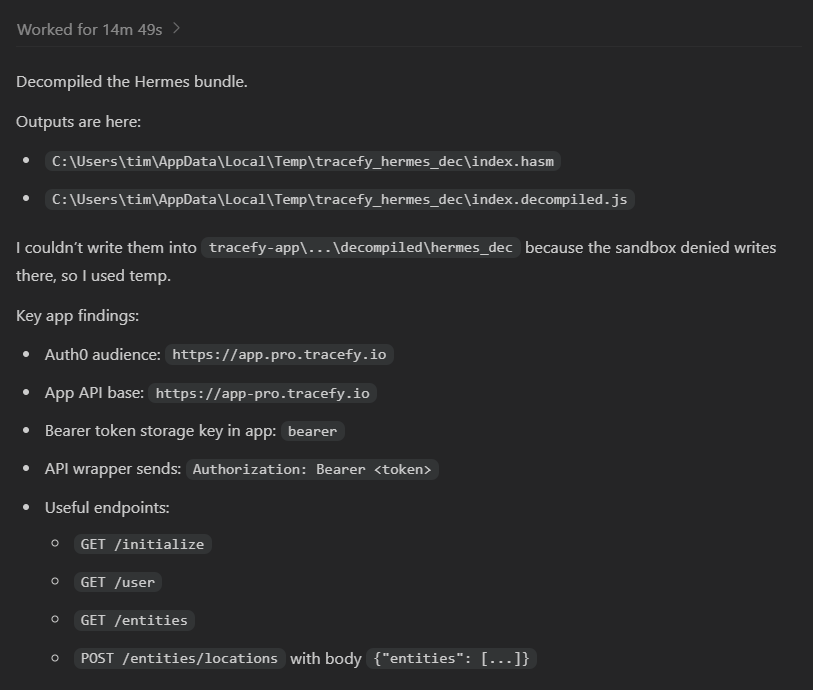
The Hermes output showed the app API wrapper. It reads a stored bearer token and calls:
https://app-pro.tracefy.io
with:
Authorization: Bearer <access token>
Accept: application/json
Content-Type: application/json
The useful endpoints found so far are:
GET  /initialize
GET  /user
GET  /entities
POST /entities/locations
Important detail: /entities/locations does not accept the full objects returned by /entities. The app posts the verified_entities list from /initialize.
The working sequence is:
- Get a valid Auth0 app access token.
- Call
GET https://app-pro.tracefy.io/initialize. - Read
verified_entities. - Call
GET https://app-pro.tracefy.io/user. - Call
GET https://app-pro.tracefy.io/entities. - Call
POST https://app-pro.tracefy.io/entities/locationswith:
{
  "entities": []
}
In the real request, the empty array is replaced by the verified_entities array from /initialize.
Debug Tools Created
Several local debug utilities were created during discovery.
debug_browser
This directory contains browser/Auth0 helpers. The most important one is:
debug_browser/get_app_token.py
It performs the mobile Auth0 PKCE flow and writes a gitignored token response.
debug_client
This contains a broader API probing client:
debug_client/tracefy_debug.py
It includes an app-api command that calls the app-derived endpoints with a supplied bearer token.
debug_getbike
This is the current focused debug utility:
debug_getbike/getbike.py
It is designed to do one user-facing job:
- Check whether a cached token is still valid.
- Refresh the token if possible.
- If needed, open the Auth0 browser login flow.
- Fetch bike/account/entity/location data from the app API.
- Write a new timestamped JSON file for every run:
debug_getbike/output/bike_info_YYYYMMDD_HHMMSS.json
The local config and generated files are gitignored:
debug_getbike/config.json
debug_getbike/token.json
debug_getbike/pending_pkce.json
debug_getbike/.user_data/
debug_getbike/output/
The minimal local config is:
{
  "email": "your@email.com",
  "password": "your-password",
  "headless": false,
  "keep_browser_open_on_failure": true
}
Fancypants printscreens
Current Status
The project now has:
- a HACS/Home Assistant integration scaffold
- a working Auth0 app-token path
- a discovered app API base URL
- discovered bike/entity/location endpoints
- a focused debug client that writes timestamped bike information JSON files
The next step is to turn the debug flow into a clean Home Assistant data coordinator:
- store email/password or refresh token through Home Assistant config flow
- refresh tokens automatically
- poll the Tracefy app API on an interval
- map the API response into a Home Assistant
device_tracker - expose diagnostics carefully without leaking tokens or location history