I have now multiple organizations in Azure DevOps that all have their own agent. This agent is used to build, test and release my projects.
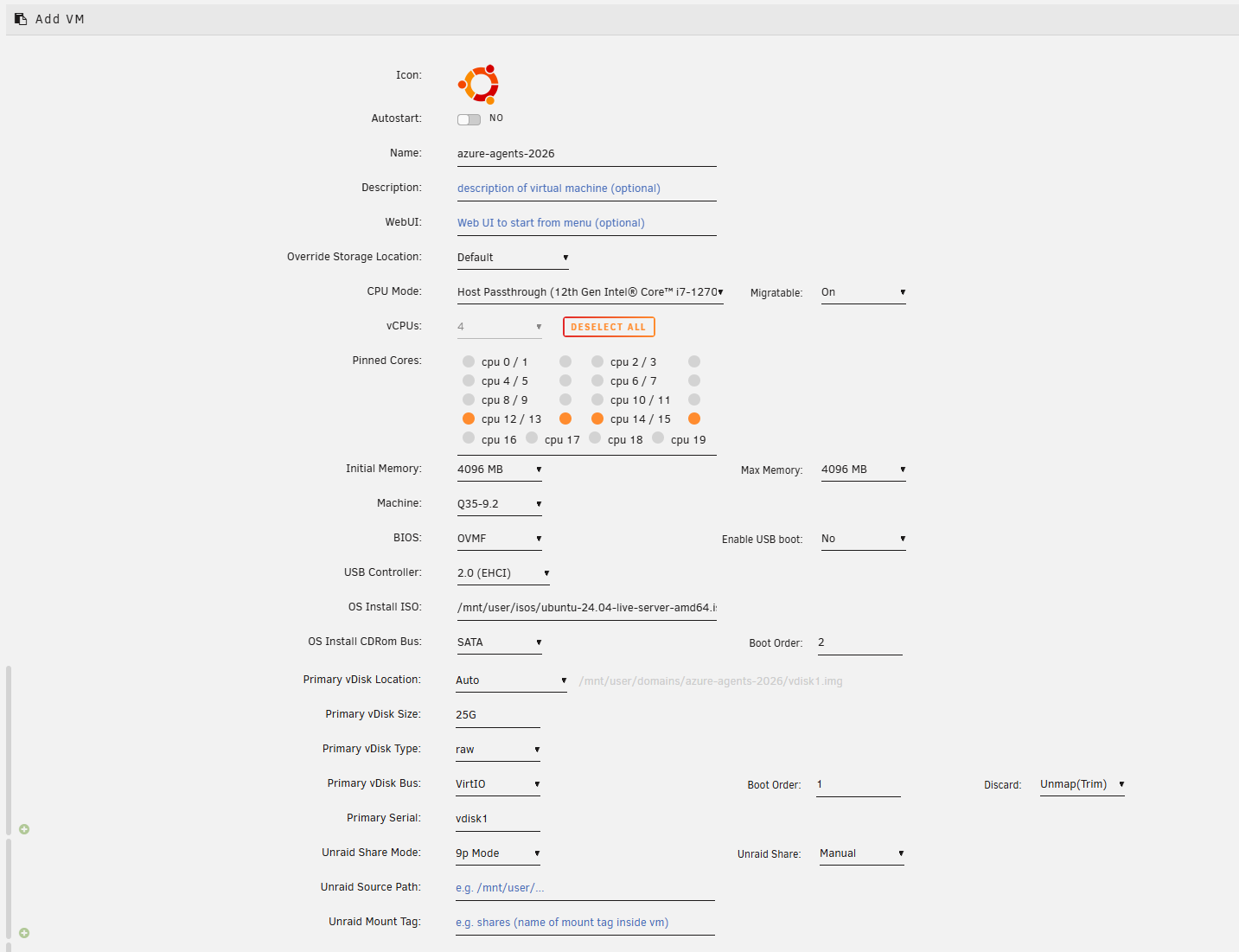
So the next option came to mind, build a virtual machine on my Unraid installation, with Ubuntu. Create multiple users in Ubuntu that all run their own agent that connects to the different Azure DevOps organizations.
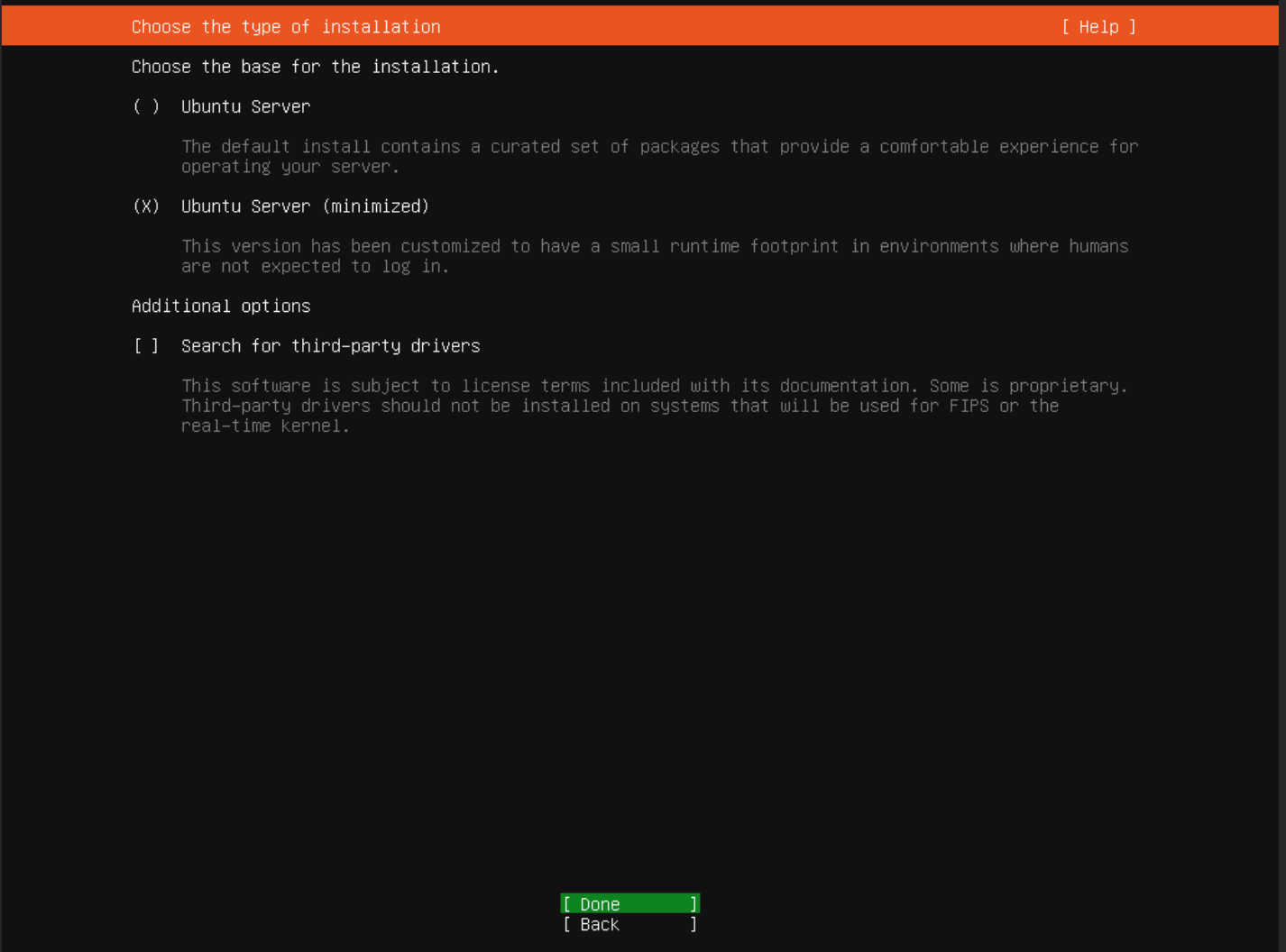
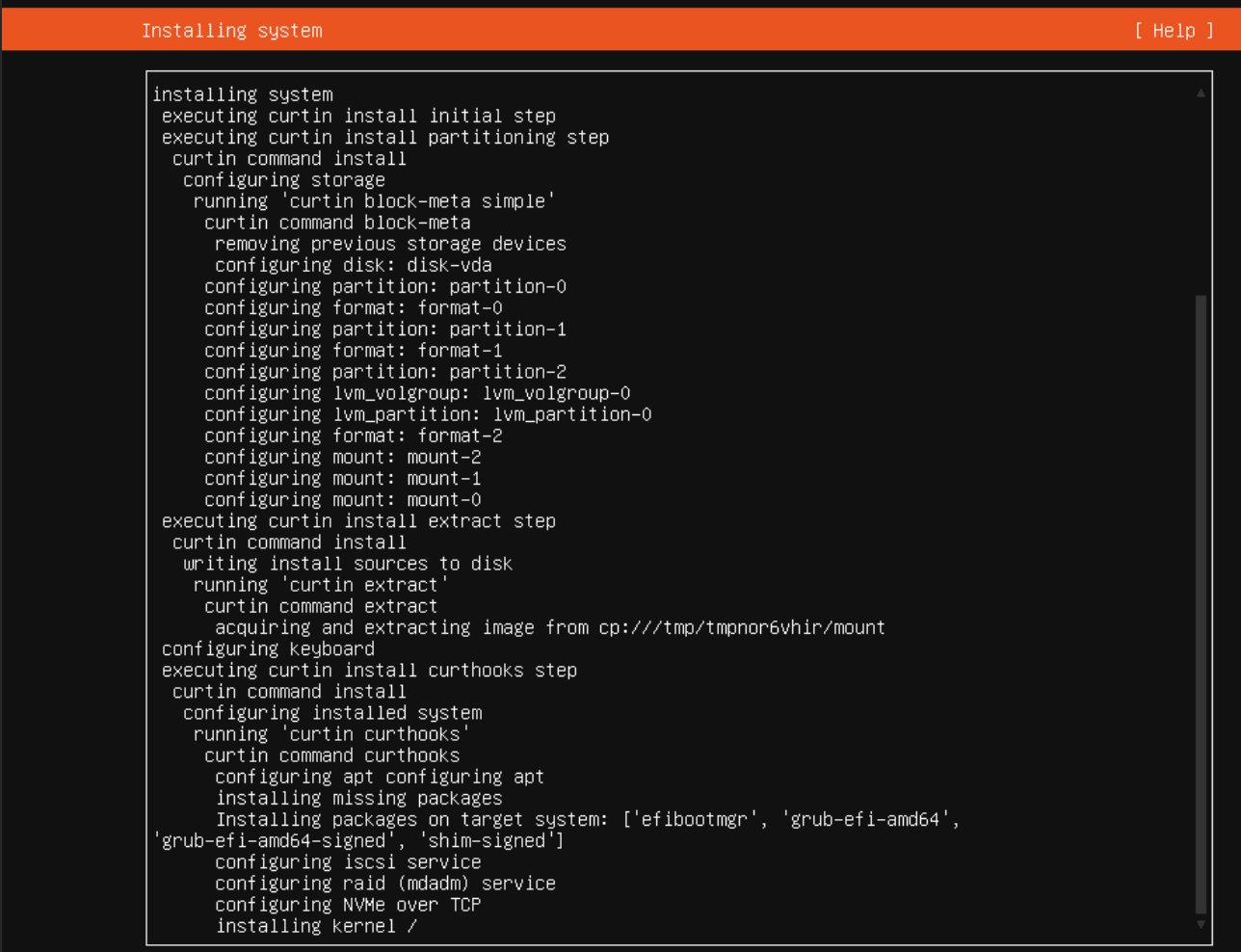
Install ubuntu
Super straight forward
Install the self-hosted linux agent
I followed this guide from the Microsoft website itself https://learn.microsoft.com/en-us/azure/devops/pipelines/agents/linux-agent
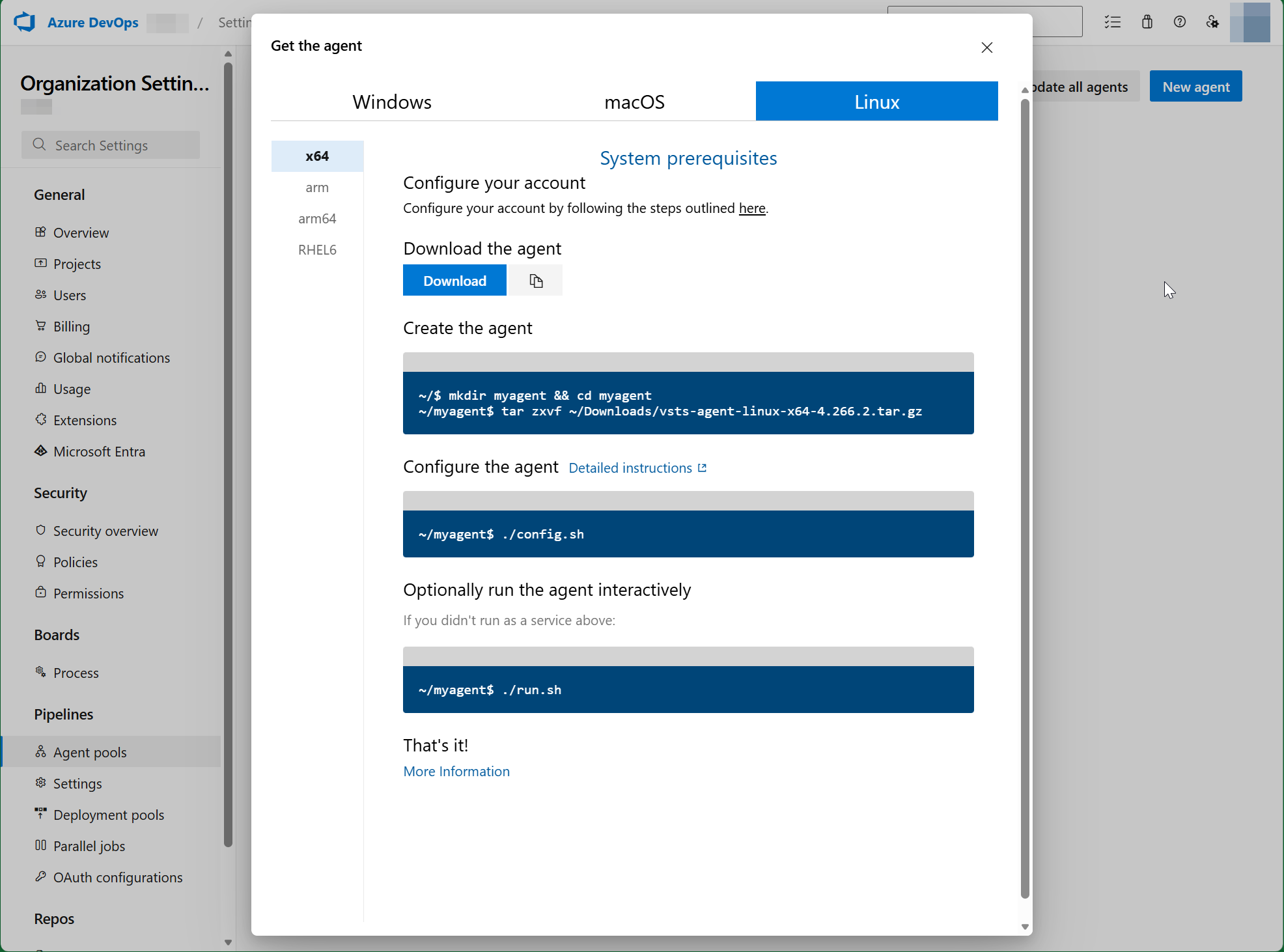
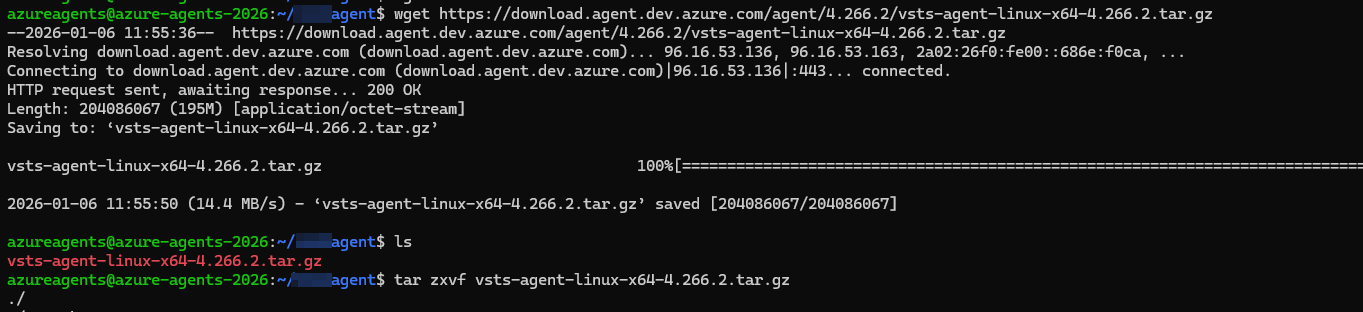
Configure the agent
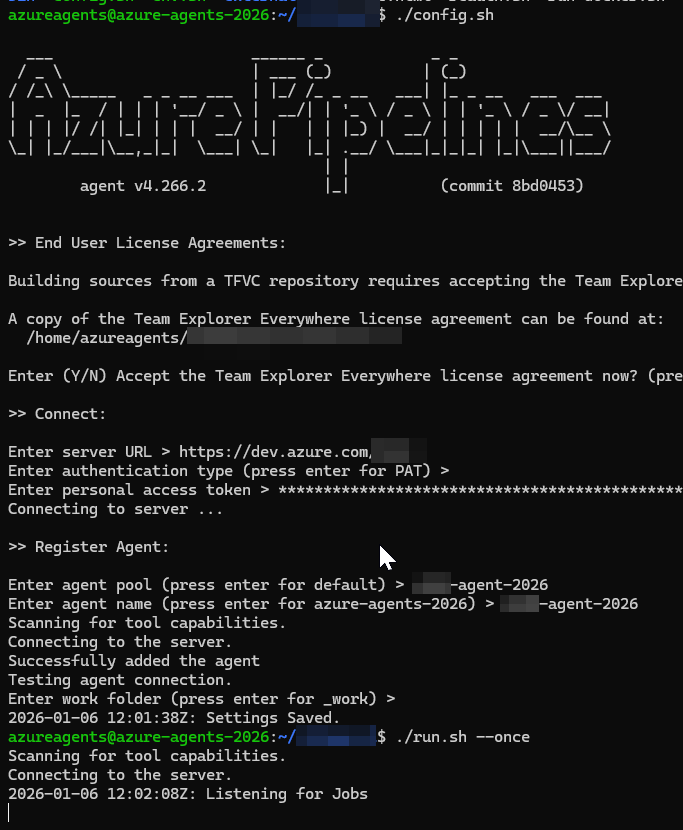
The PAT can be created in the Azure DevOps page itself.
A quick test to run an existing pipeline on this agent pool:

But I mis all kinds of programs to complete the Job
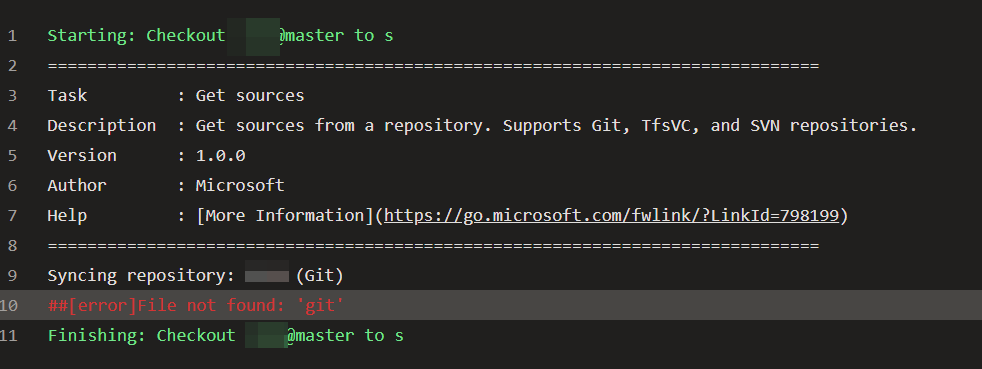
I’ve constructed this oneliner
sudo apt update && sudo apt install -y git curl ca-certificates zip unzip build-essential && curl -fsSL https://deb.nodesource.com/setup_24.x | sudo -E bash - && sudo apt install -y nodejs dotnet-sdk-8.0 dotnet-sdk-10.0 && sudo npm install -g @angular/cliAfter, I have started the build job again
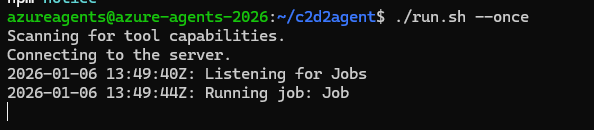
And the checkout job completed, I will asume the rest will pass as well, as it is only building a dotnet and angular app
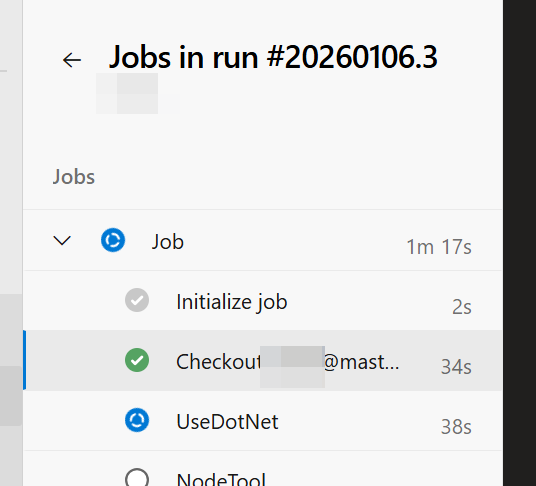
Add a second agent, for another organization, to the server
For my project, called AllDance, I also want an agent to run on this server
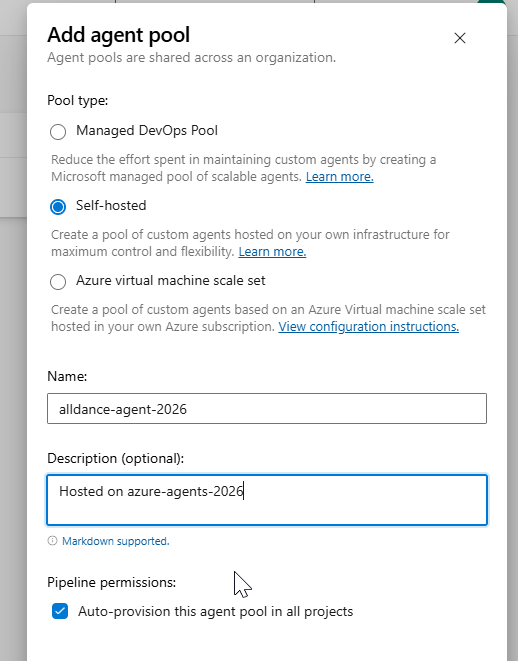
After the agent pool creation, again I have installed the agent via regular installation method
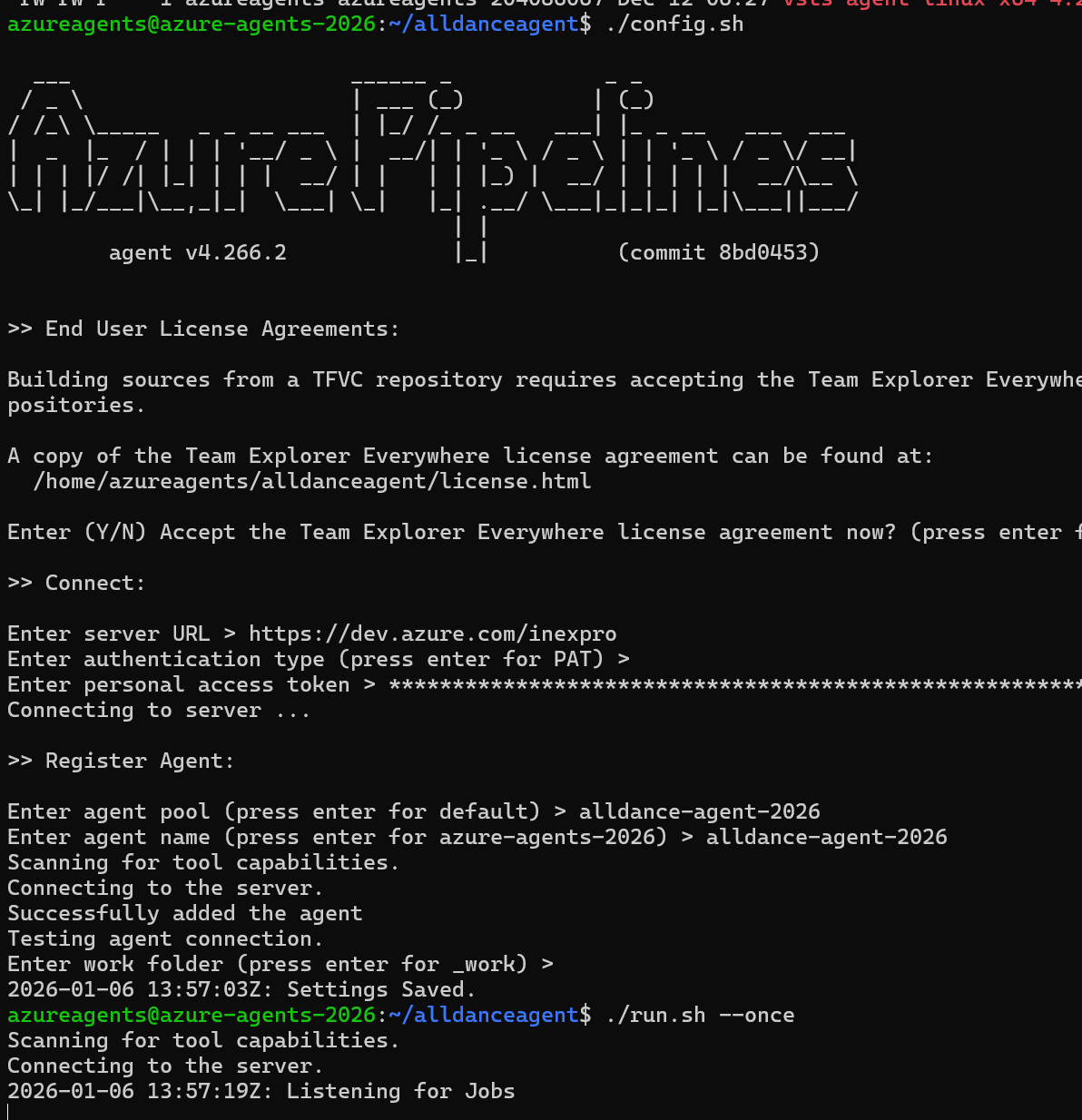
The PAT (personal access token) configuration
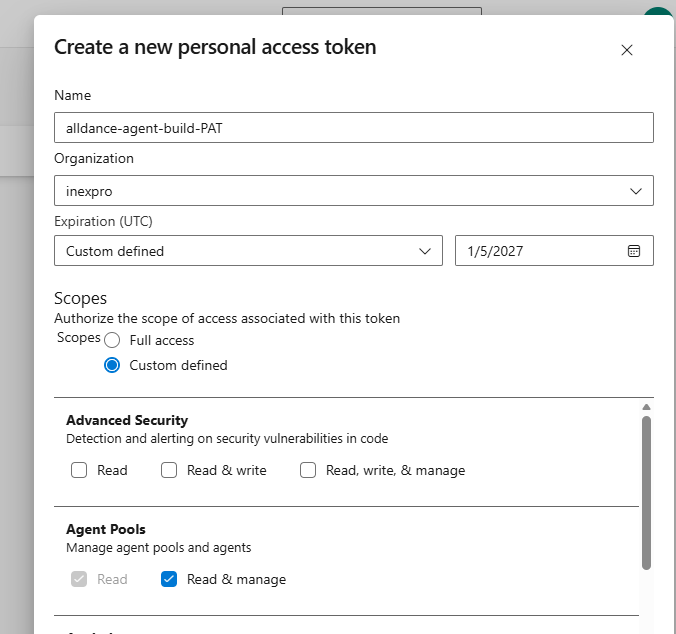

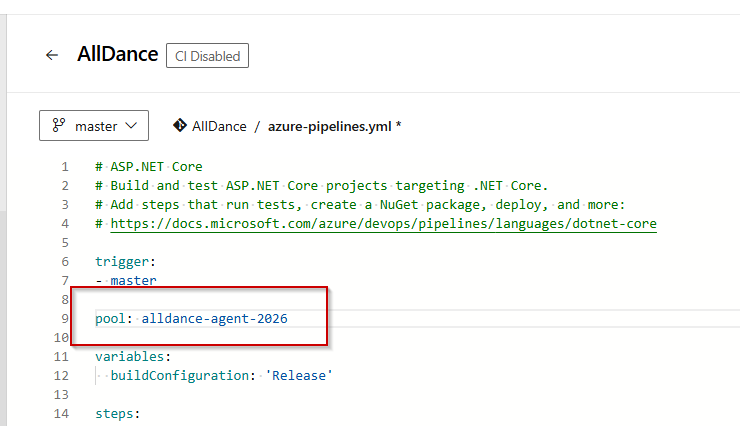
Now that the agent is online, I’ll update the pool name in the yml configuration.
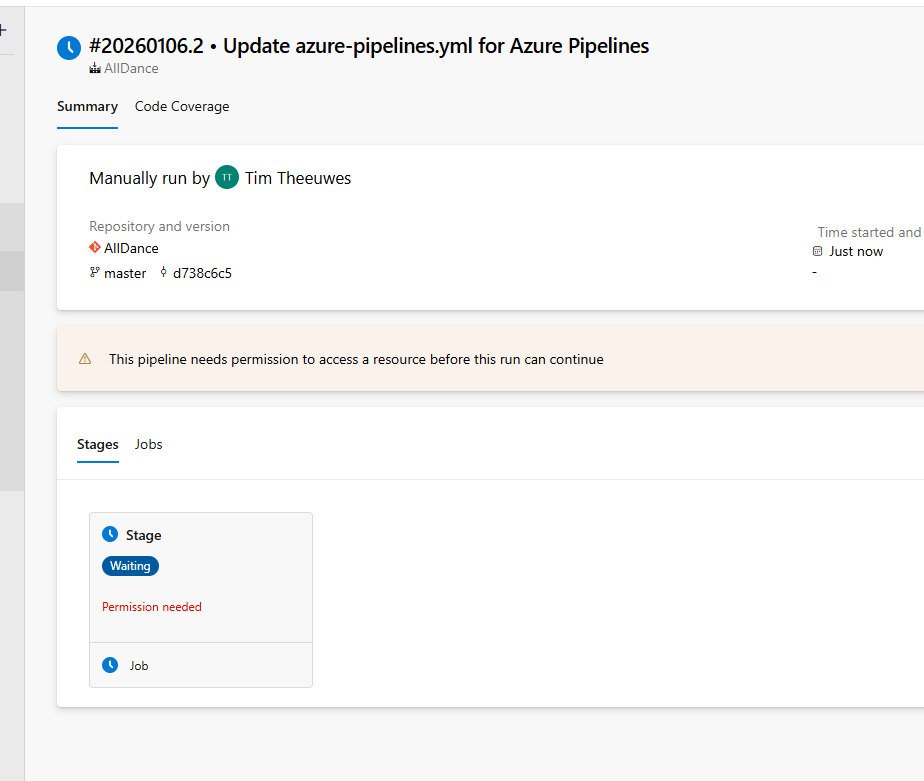
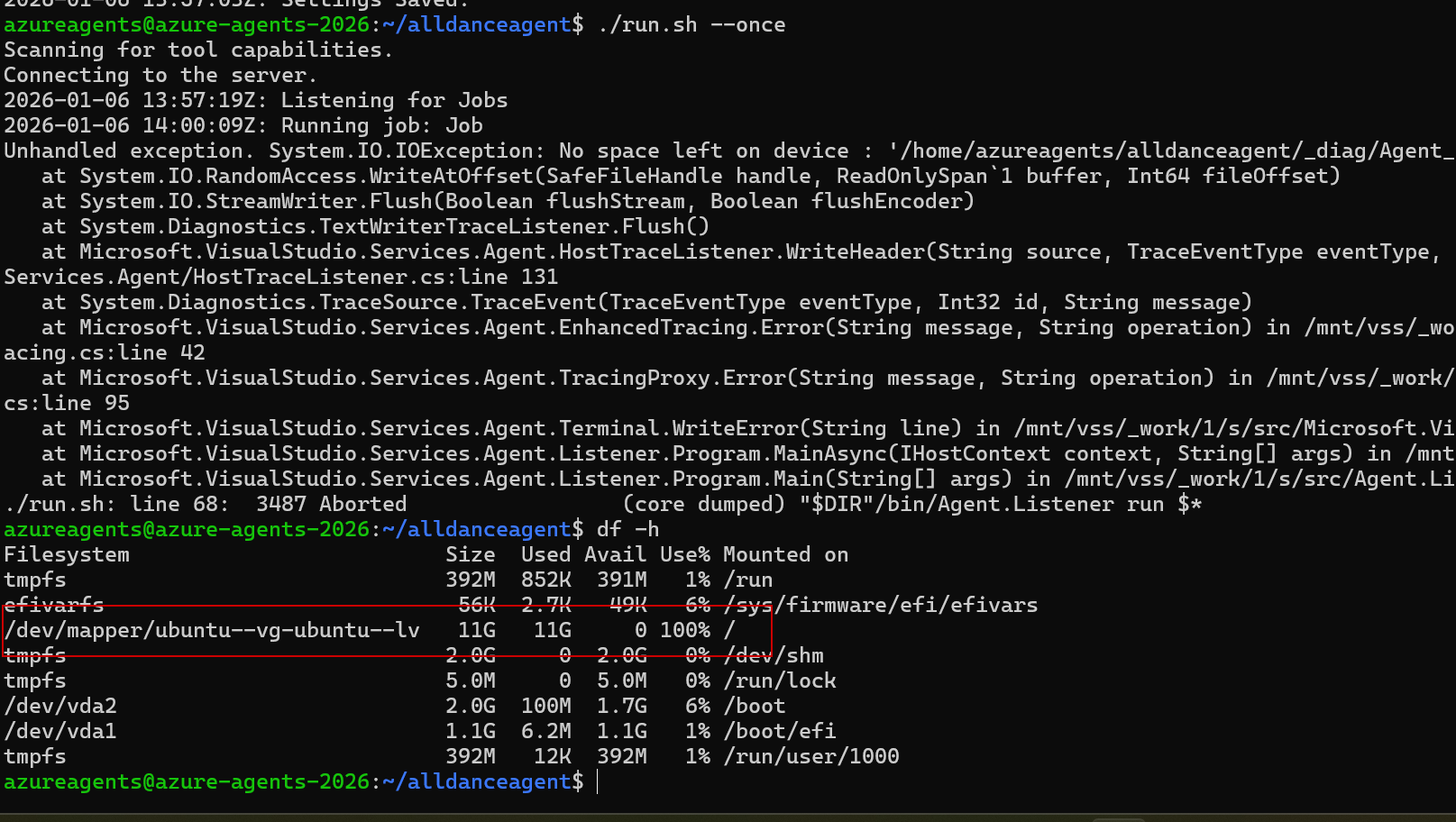
Diskspace issue…
I thought I had 25G of diskspace assisgned, but only 11G is visible on the / partition
lsblk shows that I have more than enough space
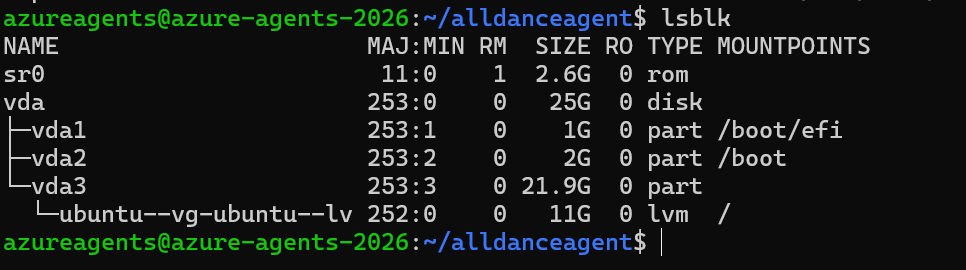
The (ChatGPT) onelinener is
sudo pvresize /dev/vda3 && sudo lvextend -l +100%FREE /dev/ubuntu-vg/ubuntu-lv && sudo resize2fs /dev/ubuntu-vg/ubuntu-lvInstall services
The documentation gives clear indication how to install the agent as a service Deploy an Azure Pipelines agent on Linux – Azure Pipelines | Microsoft Learn
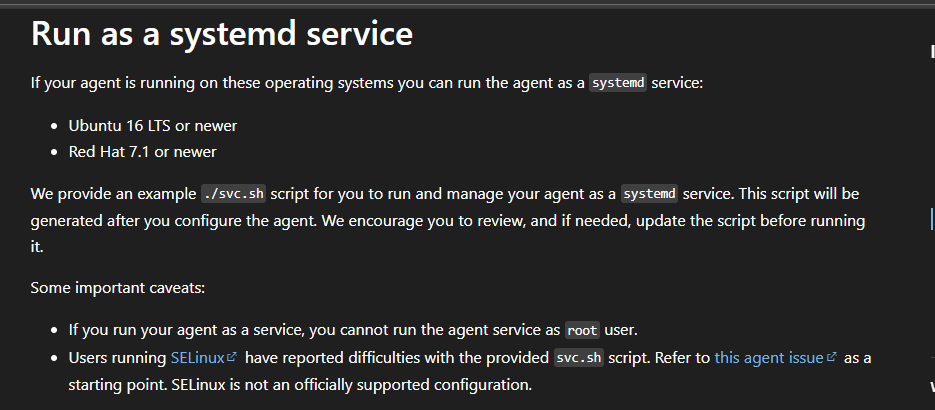

I’ll also do this for the first created agent
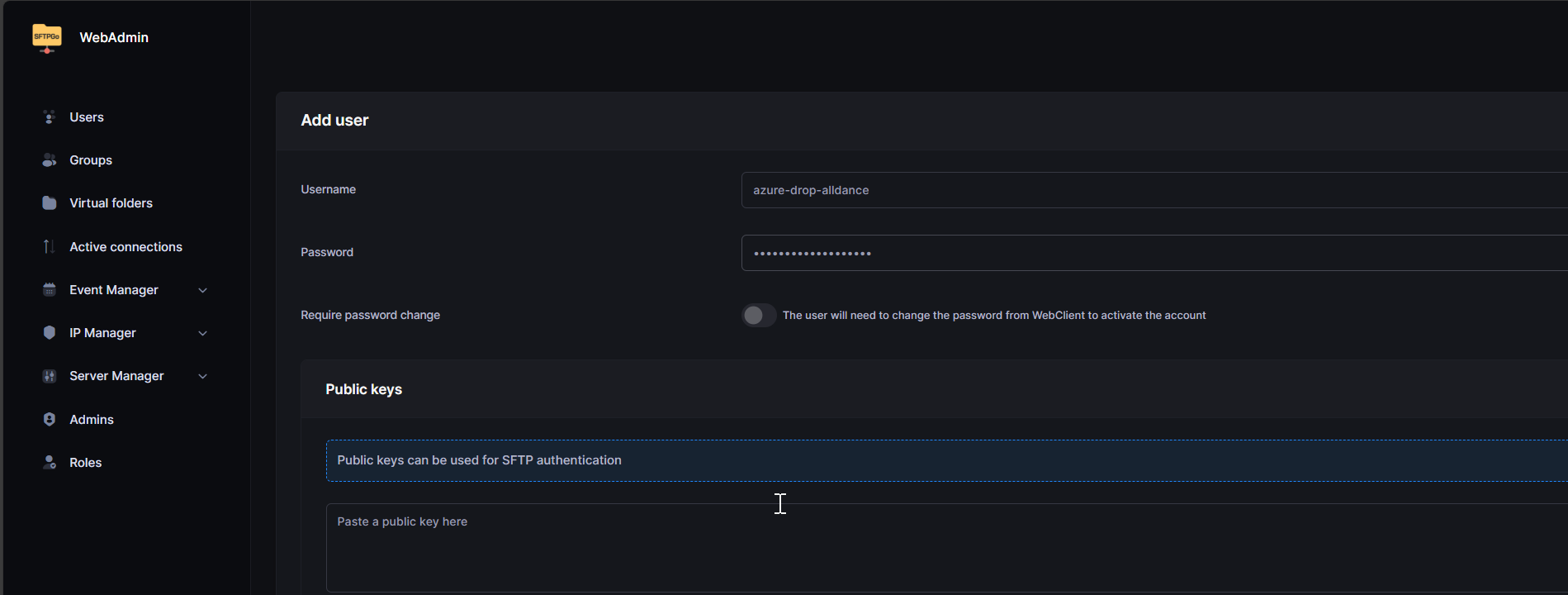
Create a drop location via SFTPGo
This docker container is running in the same VLAN as the Ubuntu VM I have just created. So connecting to it should be easy
Next, in the Azure DevOps environment, I have created a service connection. SFTPGo uses 2022 as the service port, so I’ll use that
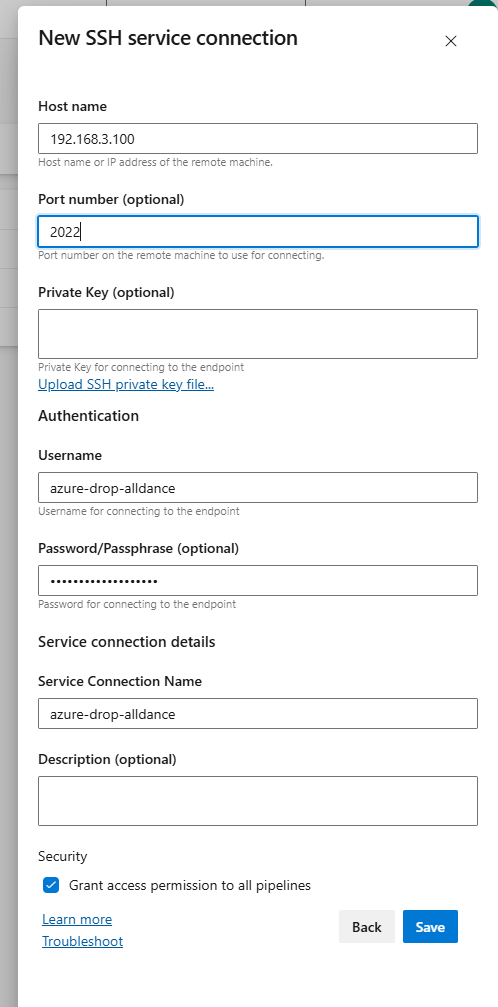
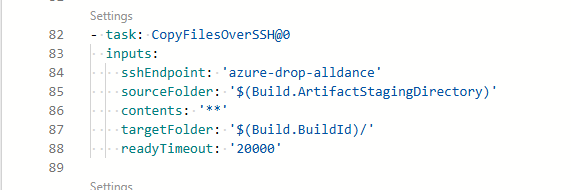
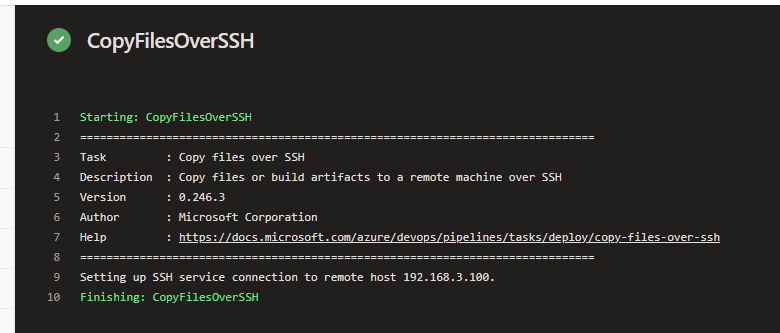
The pipeline was changed to copy files over this service connection
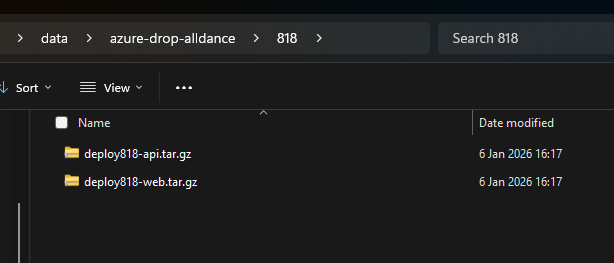
The result in my SFTPGo share, accessed from my local machine