At school, we use Parro for digital communications. It’s better that multiple whatsapp/signal groups, emails and other forms of communication.
But at home we have one issue, I do not read Parro every hour to get informed about the latest updates.
I do have a MagicMirror instance in my enterance, so one and one makes this project.
Github result
https://github.com/timdows/mmm-parro-nl
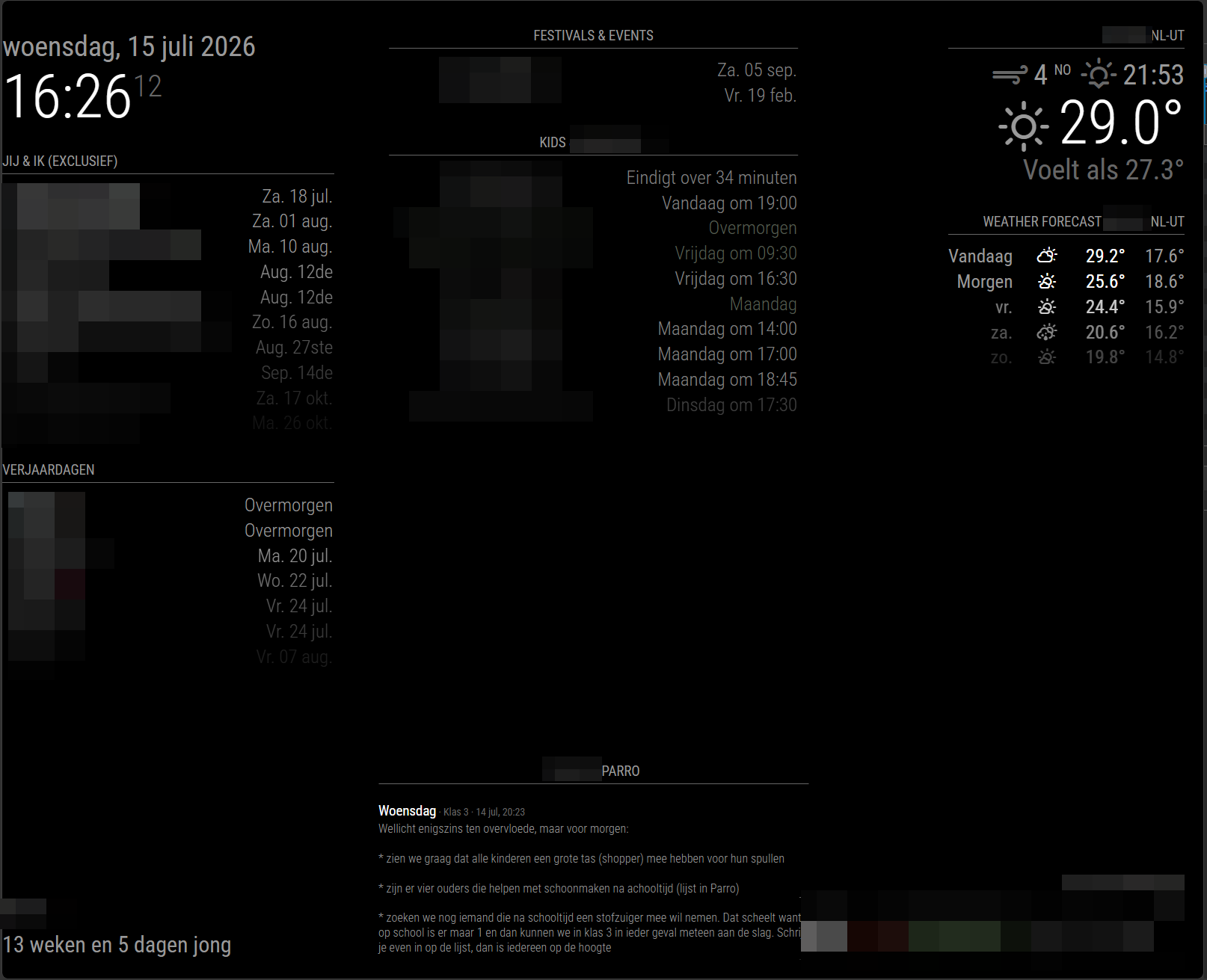
In the center bottom, today’s and last Parro message is shown
The goal
Have todays Parro communcation, from all groups that I have access to, on my MagicMirror. If there is no new message, only show the latest message.
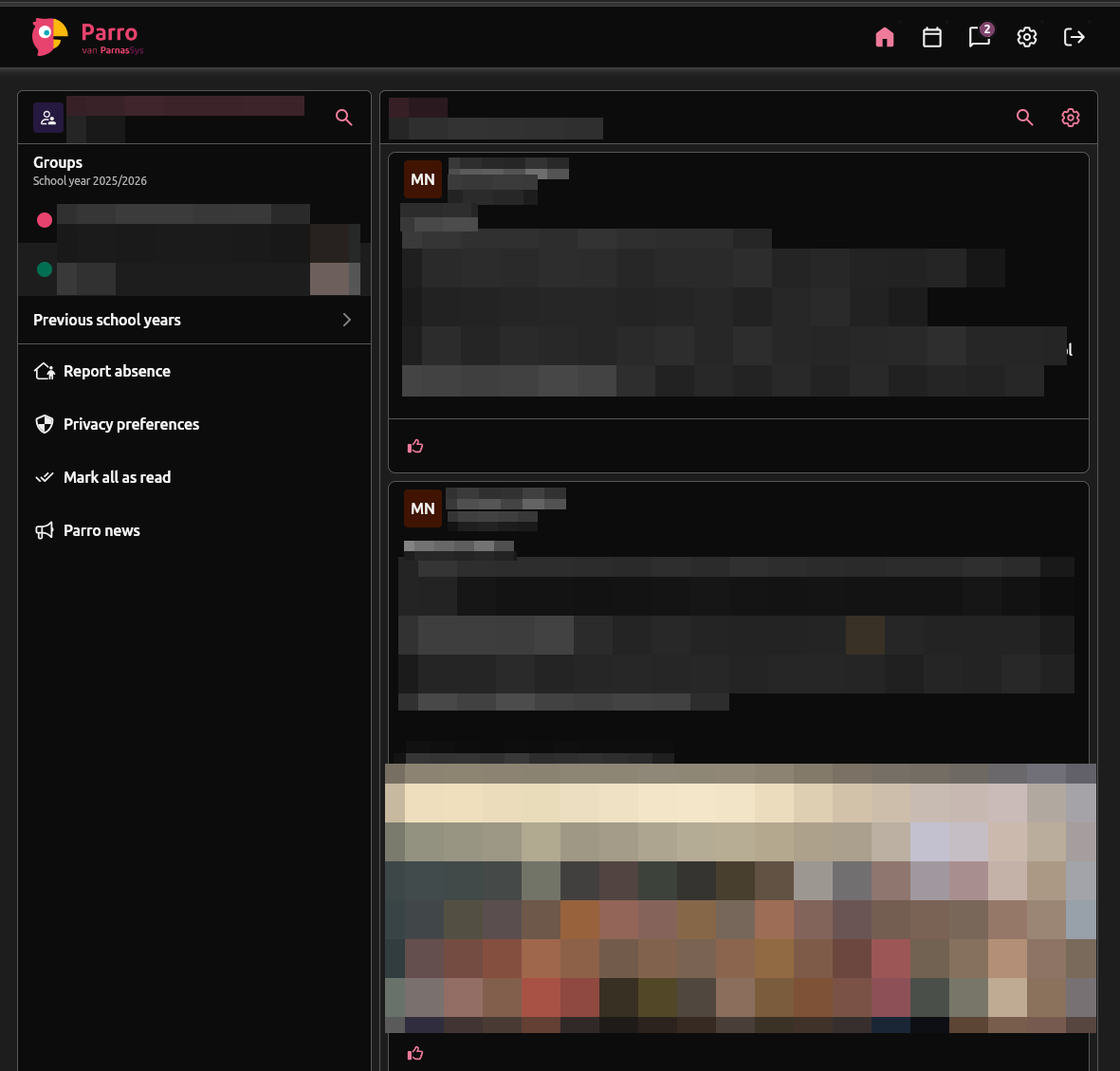
Some obfuscated Parro view on my desktop’s view
Build with AI
Yup, nothing is done by hand anymore, well, that is not entirely true, but this is a perfect project for AI.
The initial prompt
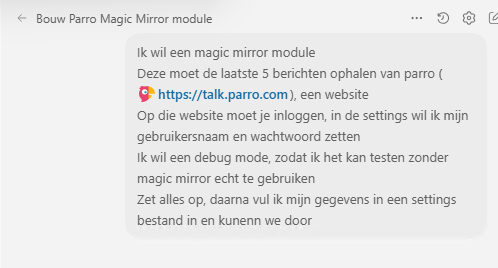
Ik wil een magic mirror module
Deze moet de laatste 5 berichten ophalen van parro (https://talk.parro.com), een website
Op die website moet je inloggen, in de settings wil ik mijn gebruikersnaam en wachtwoord zetten
Ik wil een debug mode, zodat ik het kan testen zonder magic mirror echt te gebruiken
Zet alles op, daarna vul ik mijn gegevens in een settings bestand in en kunenn we door
When this step was completed, I could fill in my account credentials. As I only have one account, I must make sure not to expose this account to git commits or AI prompts.
mijn gebruikers details zitten erin
Run de app, zet headless even op false, zodat ik kan meekijken
Haal de berichten op als je die al kunt vinden na het inloggen
De naam van de groep is 'Klas xyz'
The first output on localhost was there (we can show some content, as it does not contain any personal identifieable data)
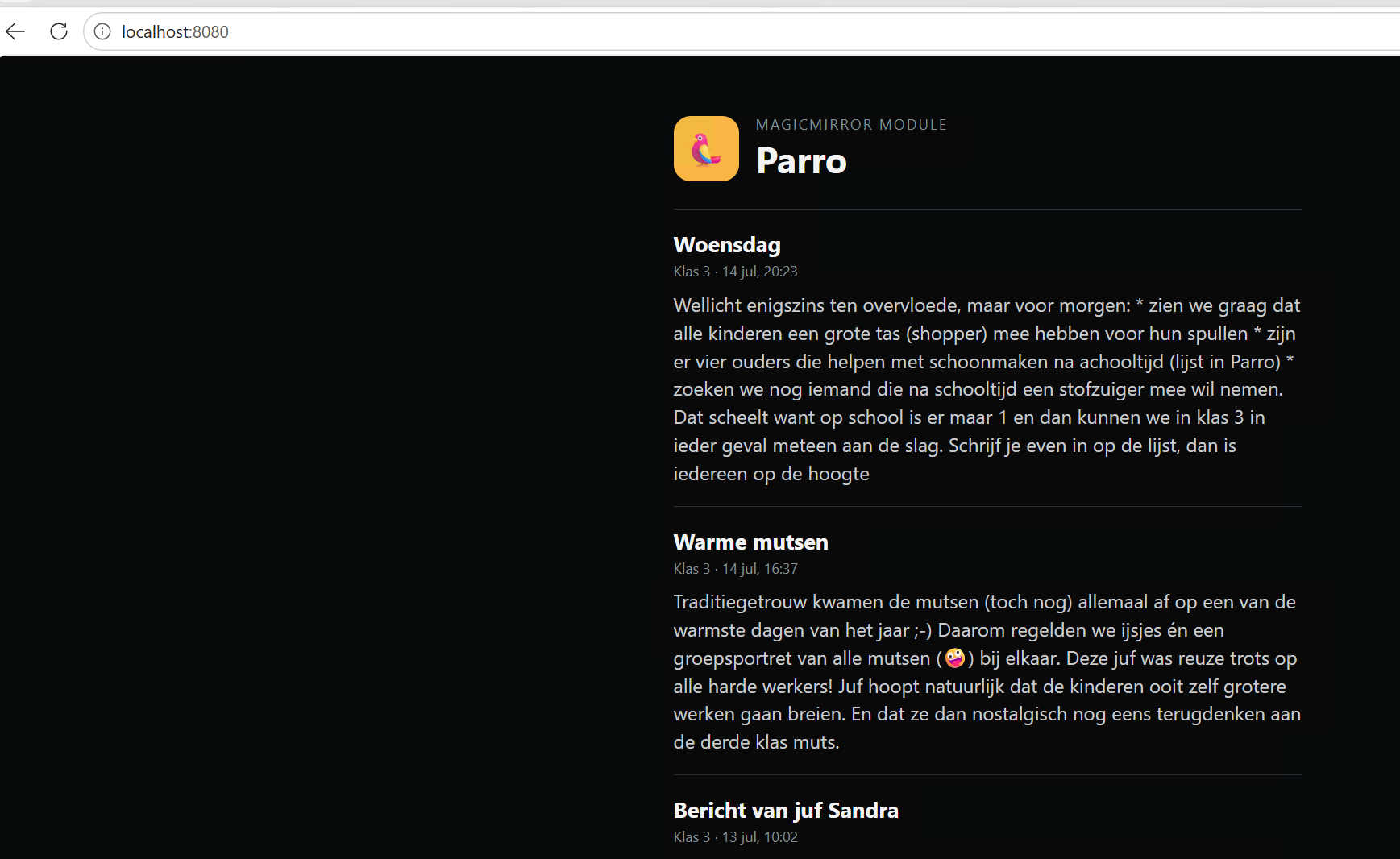
Okay, some things where good, some things needed attention.
Login completed, messages where fetched, metadata (title and datetime) got located.
Lets continue with optimizing
Ok goed, er missen de enters / line feed, nu is alles 1 achter elkaar stuk tekst

Ik wil dat je alle berichten in een json opslaat
Zodat als ze niet meer op de server staan, wij ze nog hebben
Dan wil ik elke page refresh, de laatste 3 of 5 berichten (dat moet instelbaar worden) uit deze json zien

Er moet een uurlijkse refresh komen om de berichten van de server te syncen

Ook wil ik de oauthcode of bearer token opslaan, zodat als deze geldig is nog hergebruikt kan worden

Ook wil ik een verandering, ik wil van alle groepen de berichten ophalen, en dan in de pagina zien die (debug en magic mirror) uit welke groep de berichten komen (sorteren op datum)
And it started, around 10 minutes passed and I could start the installation.
Install on my Unraid server in a dockerd setting
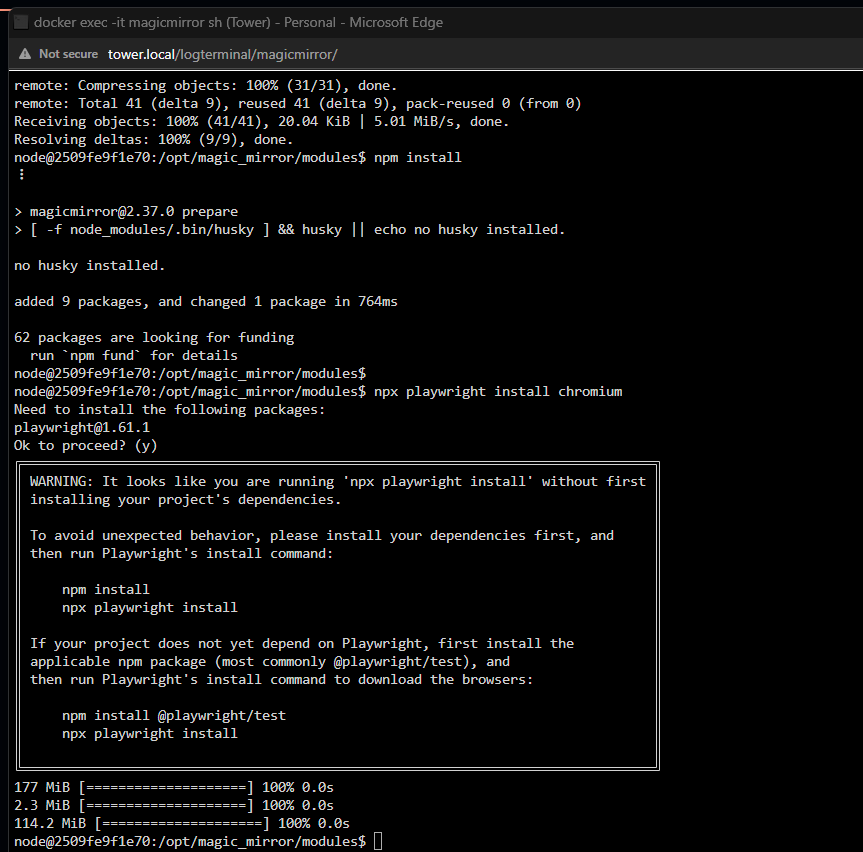
The installation steps are described on the github page.
It needed some tweaking on the styling, i.e. smaller font, don’t have text centered and some more.
Happy me, the latest messages are now readable on my front doors MagicMirror instance.
Bonus: download all media from Parro
While I was at it, I noticed that all media in Parro is nicely visible (i.e. school photos)
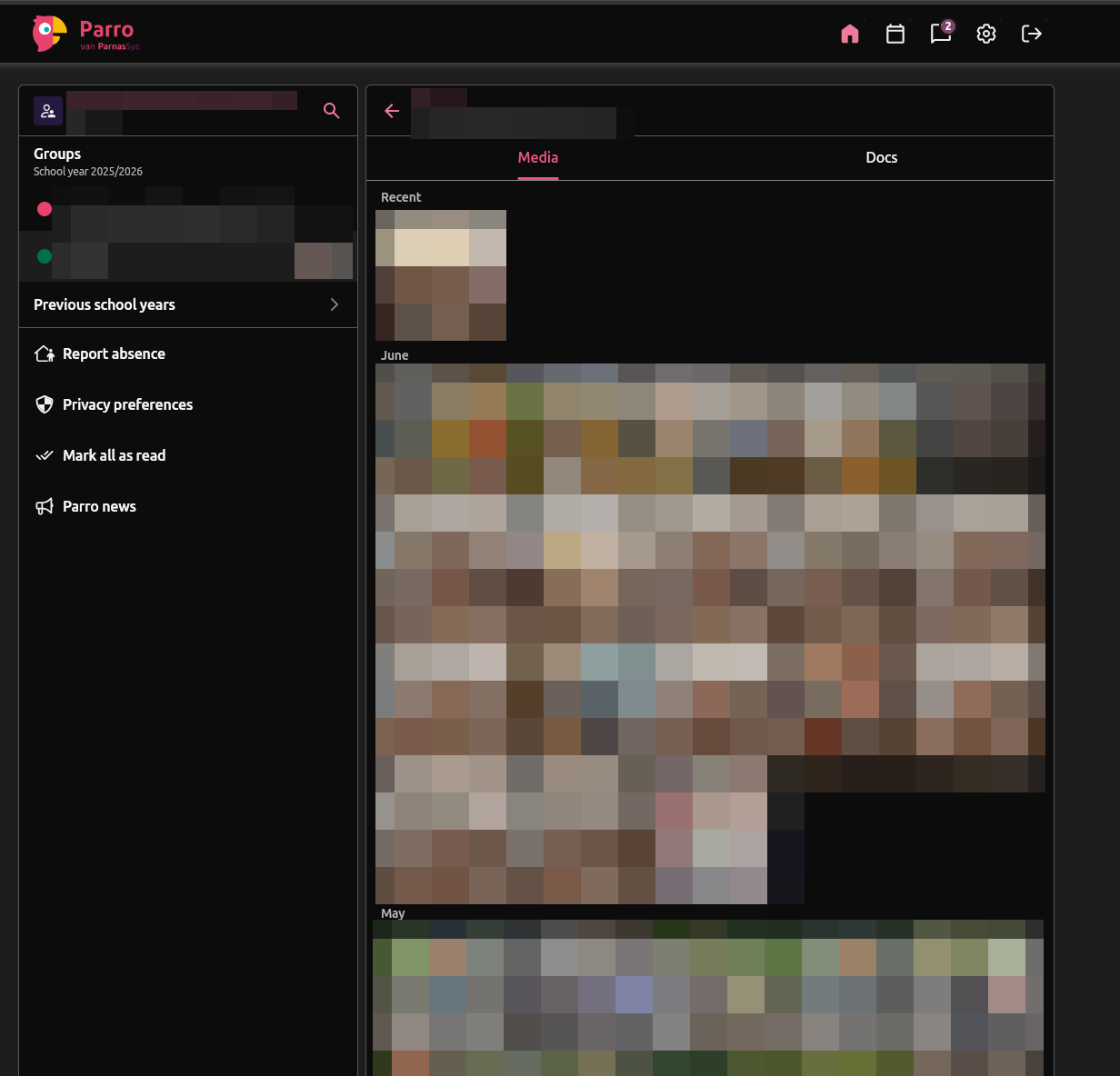
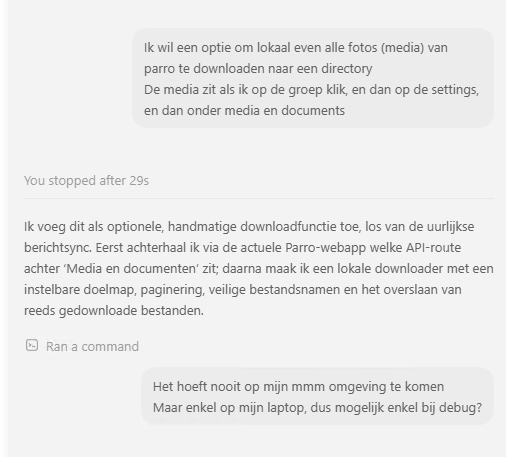
Super lightning fast AI to the build, around 3 minutes later:
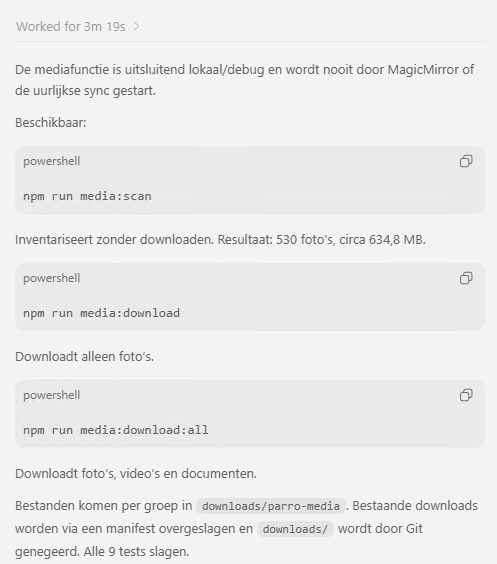
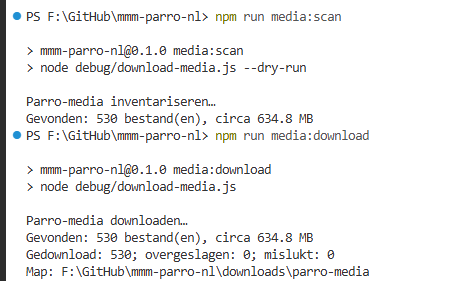
After running my npm command, I got all images, nicely ordered in my local directory.
Meaning, this is an option to run on a desktop environment, no need to do this on my MagicMirror instance.
